Acrylic is a versatile material widely used in industries like signage, display fabrication, and custom crafts, but achieving flawless cuts with an acrylic laser cutting machine can be challenging. Many users struggle with common issues such as uneven cut surfaces, strong concavity and convexity, white edges, and edge melting caused by honeycomb table reflection. This guide will break down practical techniques, parameter settings, and key tips to help you master acrylic laser cutting, avoid defects, and get consistent, high-quality results.
Tools and Materials
-
One 80W laser cutting machine
-
Several pieces of 6mm thick acrylic sheets
Recommended Parameter Settings for Acrylic Laser Cutting Machine
|
Parameter
|
Setting
|
|---|---|
|
Cutting Speed
|
5mm/s
|
|
Cutting Power
|
65%—70%
|
|
Cutting Focal Length
|
6mm
|
|
Air Assist
|
Disabled
|
Effect Comparison and Common Challenges
Compared to cutting glued wood panels, acrylic laser cutting requires more precise parameter adjustment and operation skills. Simply applying wood cutting parameters to acrylic will not yield optimal results. The material’s transparency, melting point, and thermal conductivity differ significantly from wood, making it prone to surface defects if not handled properly. To achieve smooth, flat cuts with no white edges and avoid honeycomb table reflection issues, we analyzed our 6mm acrylic cutting test in detail and summarized the key points below.
Key Techniques for Acrylic Laser Cutting Machine
1. Power Setting: 65%—70%
Setting a power range (65% as the minimum and 70% as the maximum) is critical for consistent cuts. When cutting straight lines, the acrylic laser cutting machine operates at a faster speed, and higher speed often results in shallower cuts. By using a power range, we ensure that even at faster straight-line speeds, the machine delivers enough power to cut through the 6mm acrylic completely. This range also compensates for slight speed fluctuations at corners, where the machine slows down—preventing over-cutting or burning caused by excessive power concentration.
2. Speed Setting: 5mm/s
While increasing speed boosts processing efficiency for most materials, acrylic is an exception. Too high a speed leads to uneven, bumpy cut surfaces, as the laser does not have enough time to melt and remove the material uniformly. For acrylic laser cutting, the golden rule is: increase power appropriately and lower speed to ensure smoothness. The 5mm/s speed balances efficiency and quality, allowing the laser to create a clean, smooth edge without leaving marks or gaps.
3. Disable Air Assist During Cutting
White edges on acrylic cuts are often caused by enabling air assist. Compressed air blows away molten acrylic too quickly, leaving a frosted or white residue on the edge. Disabling air assist allows the molten material to flow naturally, resulting in a clear, transparent edge. However, safety is a priority: without air assist to suppress flames, acrylic is prone to ignition during cutting. Always monitor the acrylic laser cutting machine closely during operation. If a fire occurs, turn off the machine immediately and use a fire extinguisher suitable for plastic materials.
4. Overhead Cutting to Avoid Edge Melting
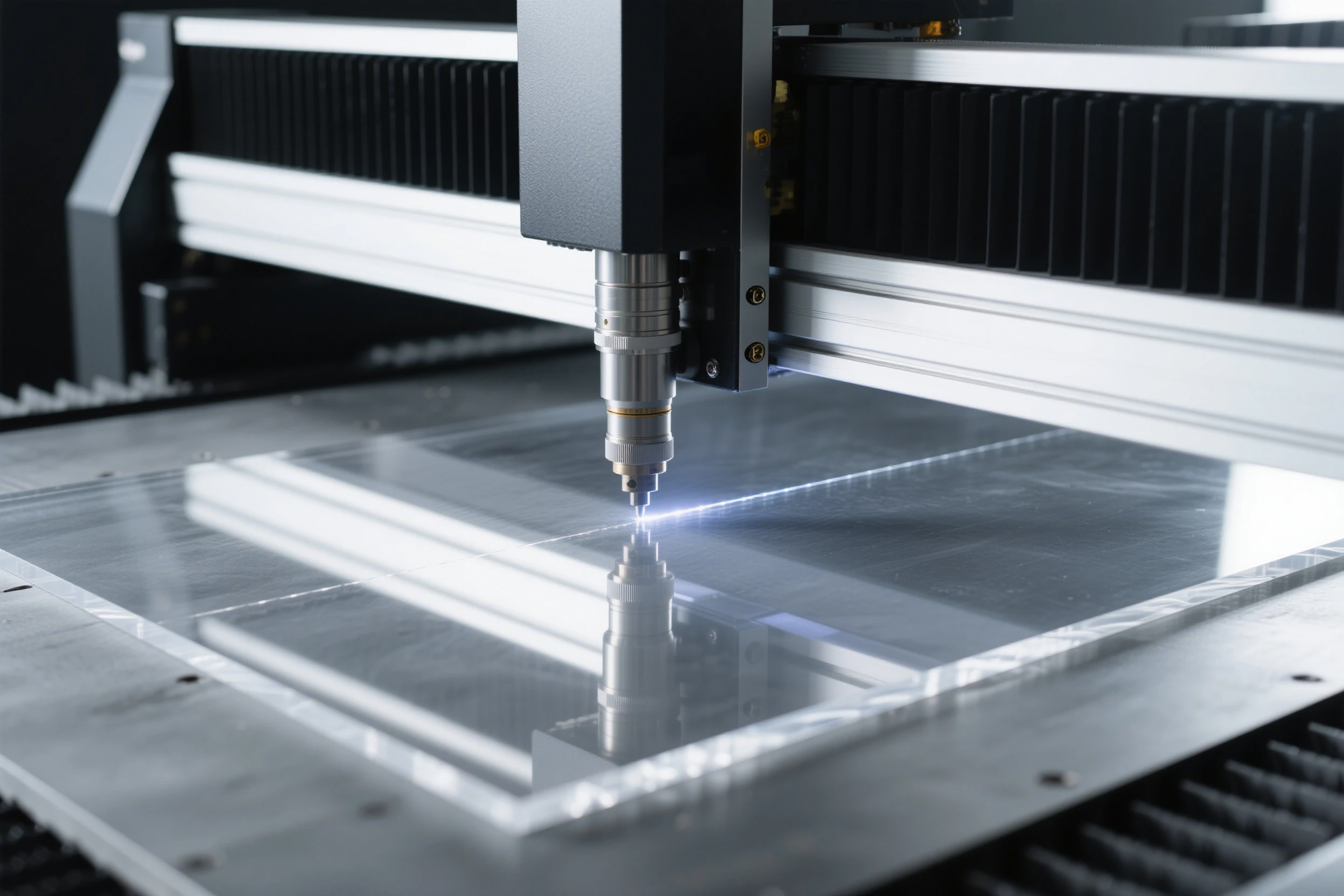
Edge melting caused by honeycomb table reflection is another common issue. The laser bounces off the honeycomb surface and re-irradiates the acrylic, melting the bottom edge. To solve this, adopt an overhead cutting method: place the acrylic sheet on a frame or support blocks to elevate it above the honeycomb table. This reduces laser reflection and prevents secondary melting, ensuring the bottom edge is as smooth as the top.
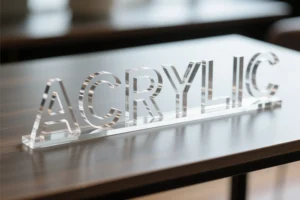
Bonus Tip: Achieve a Frosted Edge Effect
If you want a frosted edge instead of a transparent one, simply re-enable air assist. The compressed air will agitate the molten acrylic, creating a matte, frosted finish. This quick adjustment lets you switch between transparent and frosted edges with the same acrylic laser cutting machine, expanding your design possibilities for different projects.
Conclusion
To sum up, cutting 6mm acrylic perfectly with an acrylic laser cutting machine requires precise parameter matching and proper operation. Set the power to 65%—70%, the speed to 5mm/s, and disable air assist for transparent, smooth edges. Use overhead cutting to avoid honeycomb table reflection and edge melting. For a frosted effect, re-enable air assist and adjust parameters slightly if needed. By following these techniques, you can minimize defects, improve product quality, and maximize the performance of your acrylic laser cutting machine. Whether you’re a professional fabricator or a hobbyist, these tips will help you tackle acrylic cutting projects with confidence.